
Online Order Checklist: Products, Delivery and Support

Contents
A quick review before payment can prevent many common order problems. Use this checklist to confirm the product, quantity, contact details and delivery information shown by the live storefront.
Check the exact product listing
Read the full name rather than relying only on the image. Confirm the flavour, model, pack format or variant and check whether the listing shows any product-specific notes. Packaging images can help, but the active title and description provide the clearer reference.
Review current price and availability
Prices and availability can change. Use the amount shown on the product page and review the cart total again before checkout. If a sale price is active, the cart should show the price being used for the order.
Confirm quantities
Make sure each cart line has the intended quantity. Remove duplicate additions and check any minimum or maximum shown by the storefront before continuing.
Enter complete delivery details
Check the recipient name, unit or street number, street, suburb, state and postcode. The email address and phone number should also be current because they may be used for order and delivery updates.
Keep the confirmation and tracking
Save the order confirmation. Tracking is sent after dispatch when available. If you need help, use the contact page and include the order number so the team can locate the correct record.
Read the store information pages
Review the Shipping Policy and Return & Refund Policy before ordering. They explain processing estimates, tracking, address checks and how to report an order problem.
Related posts
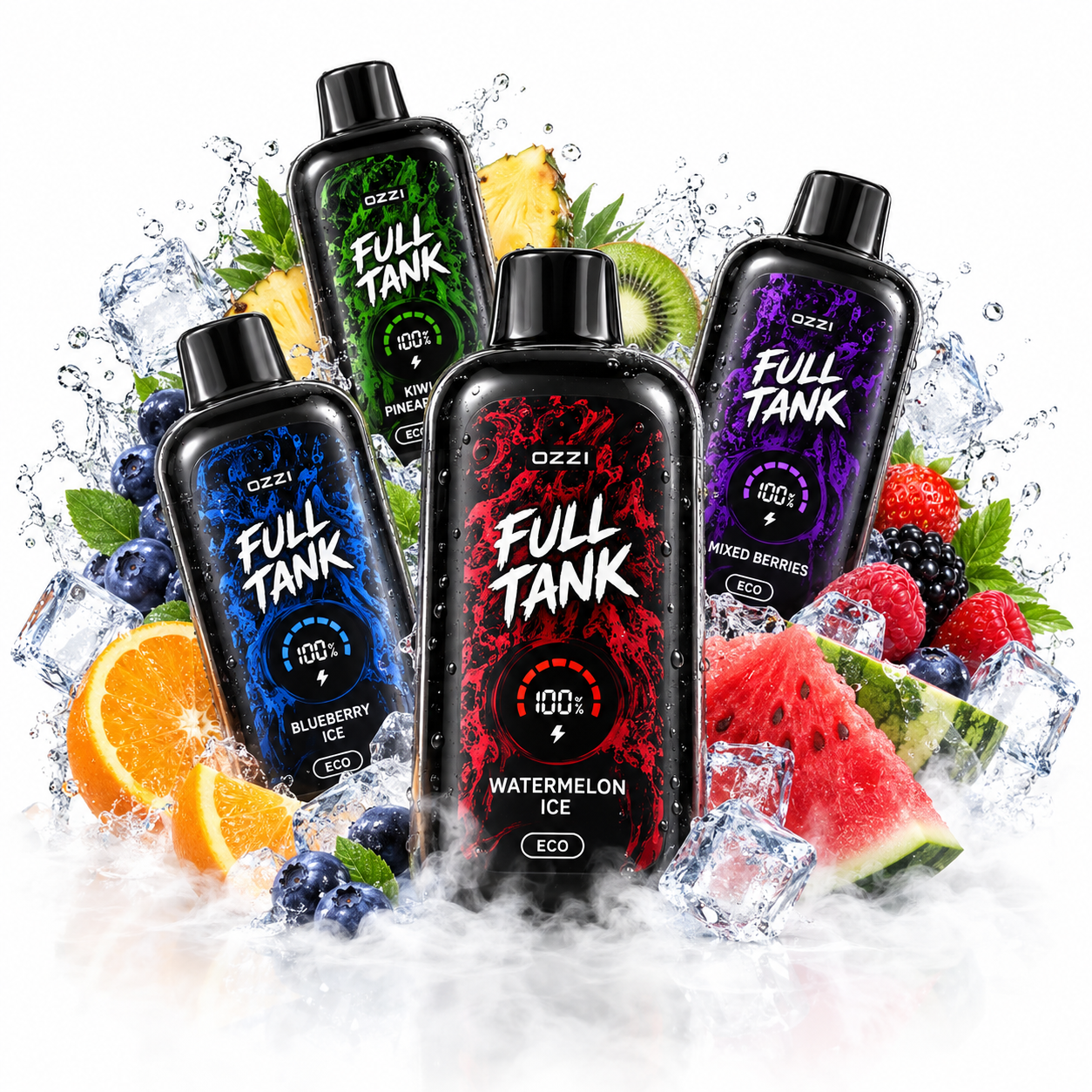
OZZI Full Tank 50K: Specifications and Flavour Guide
Compare the confirmed OZZI Full Tank 50K specifications and navigate its fruit, chilled, mint, tropical and candy-style flavours.
Continue reading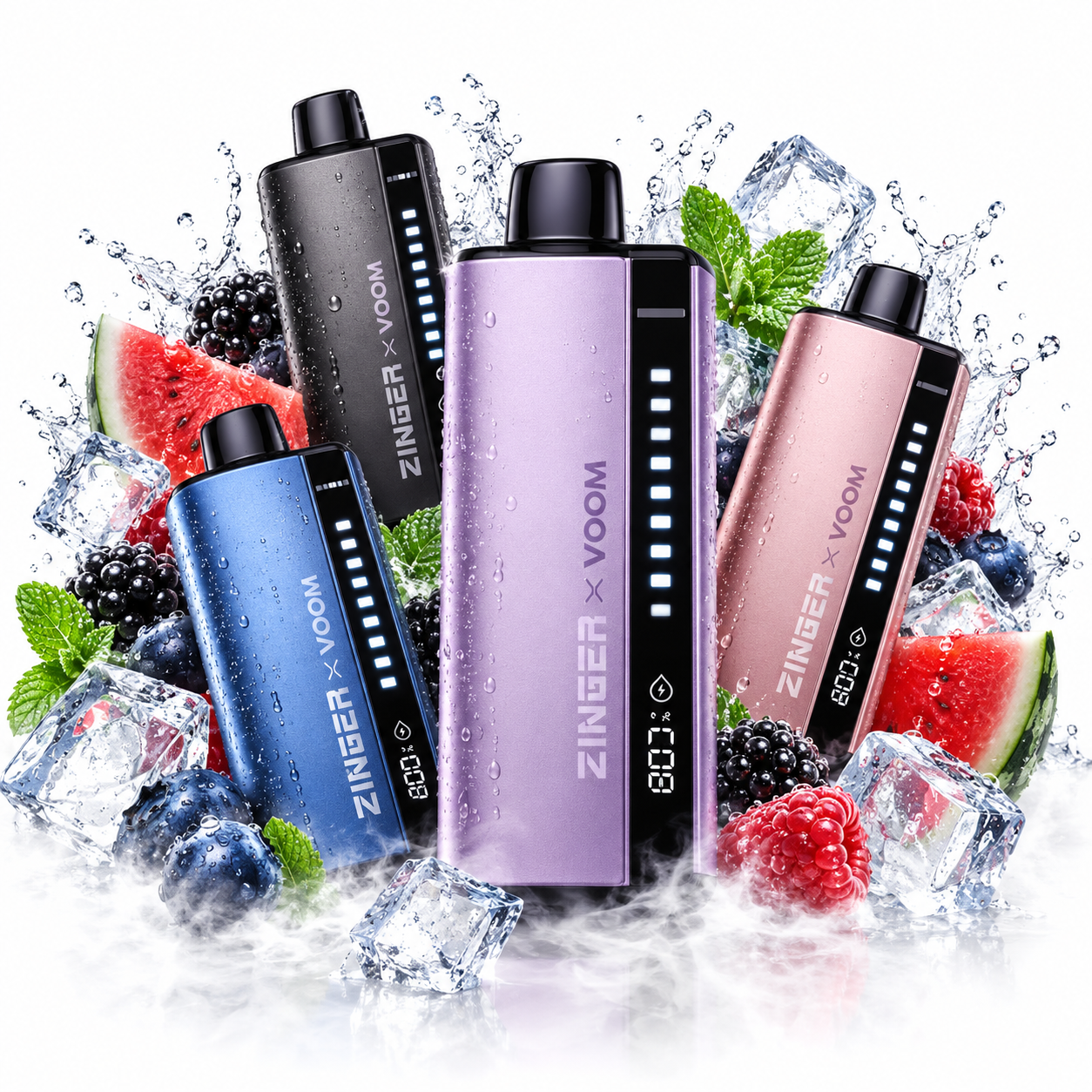
How to Compare Zinger x VOOM Flavours
A practical way to sort Zinger x VOOM products by fruit, berry, cooling and layered flavour directions before checking the live listings.
Continue reading
Choosing Alibarbar Flavours by Taste Profile
Explore Alibarbar flavour types by sweetness, freshness and fruit character, with practical tips for comparing berry, mango and mixed blends.
Continue reading